




RFQ Preparation · CNC Machining
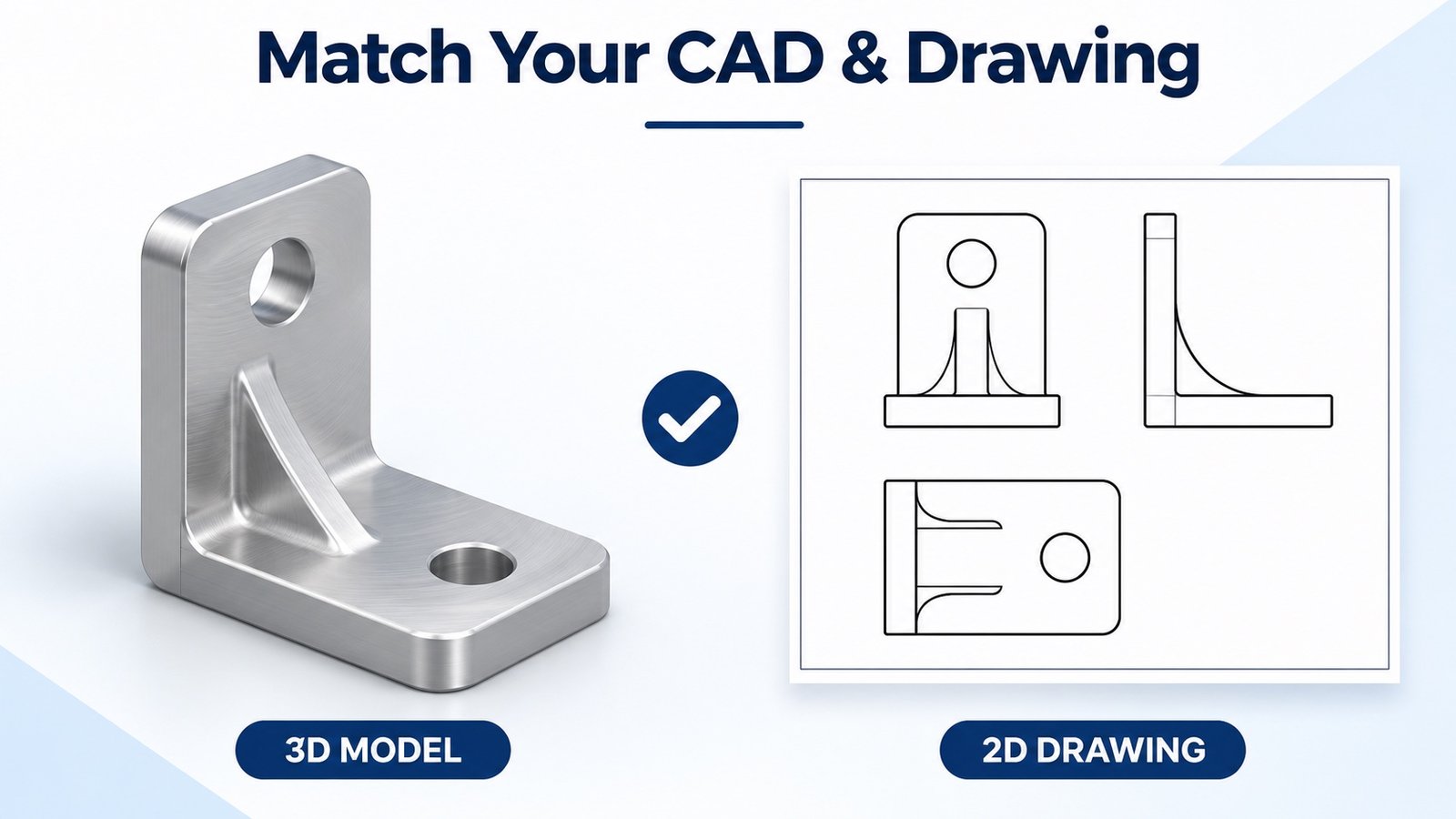
A useful CNC quotation starts with a consistent file package. Match your model and drawing revisions, identify the requirements that affect fit and inspection, and resolve discrepancies before releasing production.
Key takeaways
- Use the same part number and approved revision across your model, drawing and quotation.
- Include critical tolerances, threads, material, finish and inspection requirements that geometry alone may not communicate.
- Ask the supplier to identify conflicts and record the agreed requirements before manufacture.
Before comparing custom metal machining quotes, use a manufacturing drawing model consistency review to check that every supplier is pricing the same released requirements. A DFM drawing review can then focus on manufacturability rather than unresolved document conflicts.
Your supplier can receive a current STEP model and an older PDF in the same email. Both files may open correctly, yet describe different hole locations or material requirements. A clear file package helps your team compare quotations on the same basis and reduces avoidable clarification.
What belongs in the model and drawing?
A 3D model communicates the shape of your part. A controlled 2D drawing can communicate requirements such as critical fits, geometric tolerances, threads, surface texture and manufacturing notes. Some model-based workflows also carry product manufacturing information; confirm what the receiving system can read rather than assuming it will transfer.
| Review item | What your supplier needs | Buyer check |
|---|---|---|
| Identity and revision | Part number, revision, file names and release status | Match the model and drawing to the requested quotation. |
| Geometry and units | Readable model, intended units and relevant views | Confirm overall size and features after export. |
| Functional requirements | Critical fits, datums, threads and applicable tolerances | Identify the features that control assembly and acceptance. |
| Material and finish | Grade, condition, finish and protected surfaces | Clarify whether acceptance dimensions apply before or after finishing. |
| Inspection and supply | Quantity breaks, sample approval, required reports and delivery scope | Make sure the quotation includes the requested work. |
Five checks before you send the RFQ
- Export from the approved design. Open the exported file and check the expected solid bodies, units and overall geometry. A successful export message does not replace a visual review.
- Match the drawing title block. Compare the part number and revision with the model file. Include a simple file list so the supplier knows which files form the quotation package.
- Mark critical requirements. Identify the bores, mating faces or threaded features that matter to function. Specify acceptance criteria without assigning unnecessarily tight tolerances to every feature.
- Remove conflicting instructions. Check material, finish, general notes and quantity across the drawing, email and purchase requirements. Ask for written clarification when they disagree.
- Confirm the quoted revision. Before placing the order, verify the quotation references the intended files and records any exclusions or approved deviations.
If the model and drawing disagree, which one wins?
Do not assume a universal rule. Suppliers and contracts can define different precedence arrangements. Identify the discrepancy, agree which requirement governs and update the controlled package before manufacture. A verbal explanation should not leave your purchasing, engineering and inspection teams working from different versions.
For example, if the model shows a relocated mounting hole but the drawing retains its previous position, stop and clarify. Decide the intended geometry, update the relevant document and have the supplier acknowledge the revised quotation scope. This is an illustrative workflow, not a reported customer project.
What if your design is still changing?
State that the files are preliminary and that you need a budgetary quotation. List the unresolved items and request the assumptions used for pricing. Before production, replace the preliminary package with the approved revision and obtain confirmation of any price, tooling or delivery changes.
A short note you can include with your RFQ
Please quote the attached model and drawing listed in this request. Confirm their part number, revision and units, flag any discrepancies, and list assumptions or exclusions. Do not proceed with unresolved document conflicts. Sample approval and inspection requirements must be agreed before production release.
Prepare your next quotation
Send your available drawing and model with the material, quantities and requirements you already know. Identify open questions so the review can focus on your next decision. If confidentiality needs to be agreed first, request an NDA before sharing drawings.
Related buyer guides
Further reading
Supplier-specific practices differ. For examples, see Xometry’s model, drawing and quote discrepancy guidance and Protolabs’ CNC machining quotation information. Their policies and capabilities are not LK MFG commitments.
For another example of communicating supplemental requirements, see Fictiv’s guide to attaching technical drawings. Follow the requirements agreed for your LK MFG order.

Leave a Reply